Terminal & SSH
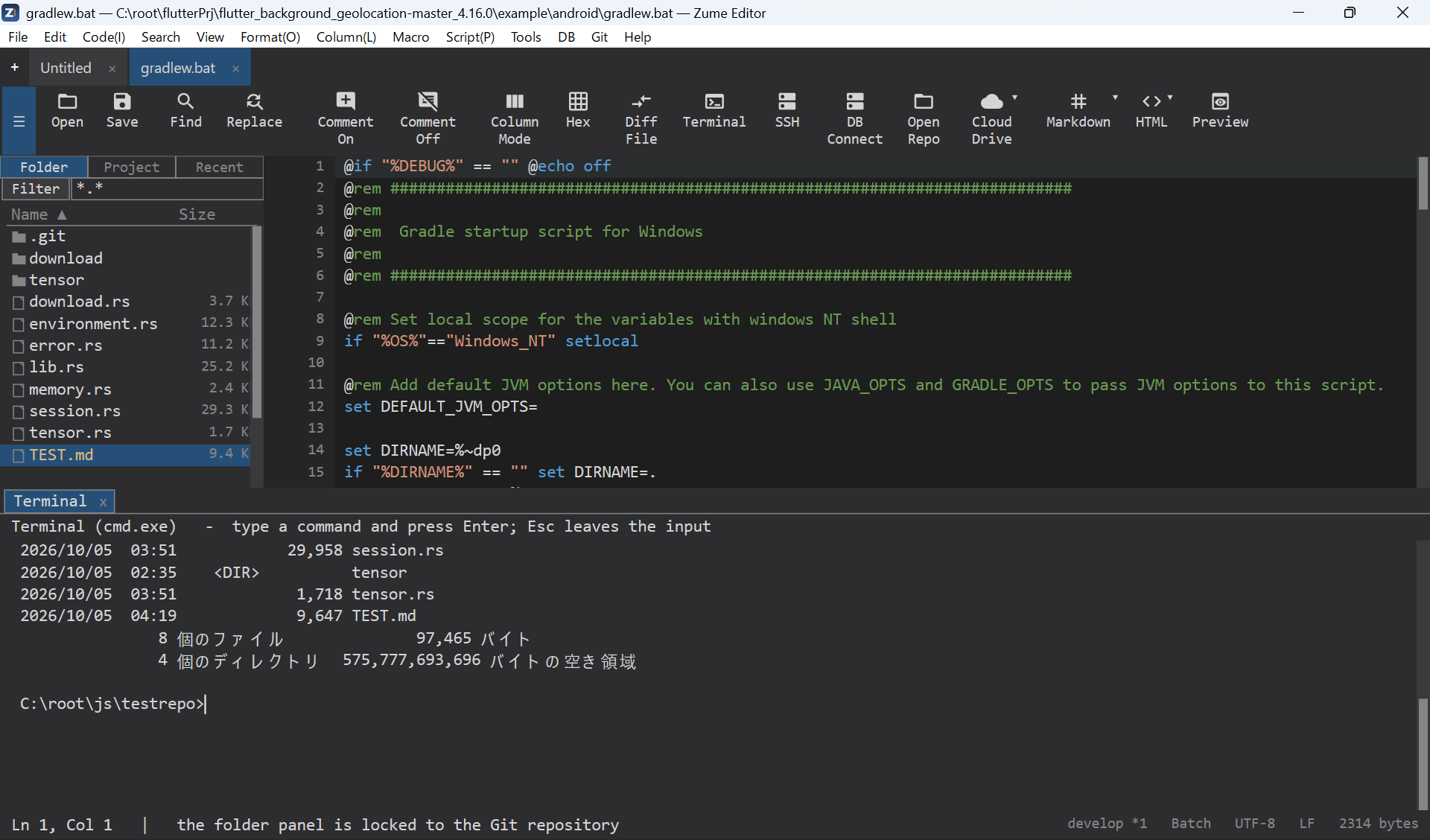
Terminal panel
View → Terminal Panel opens an interactive shell in a dockable panel
(cmd.exe on Windows, your login shell on macOS/Linux). You can open several
terminals as tabs, type directly, use command history (Up / Down), select
and copy output, and interrupt with Ctrl+C.
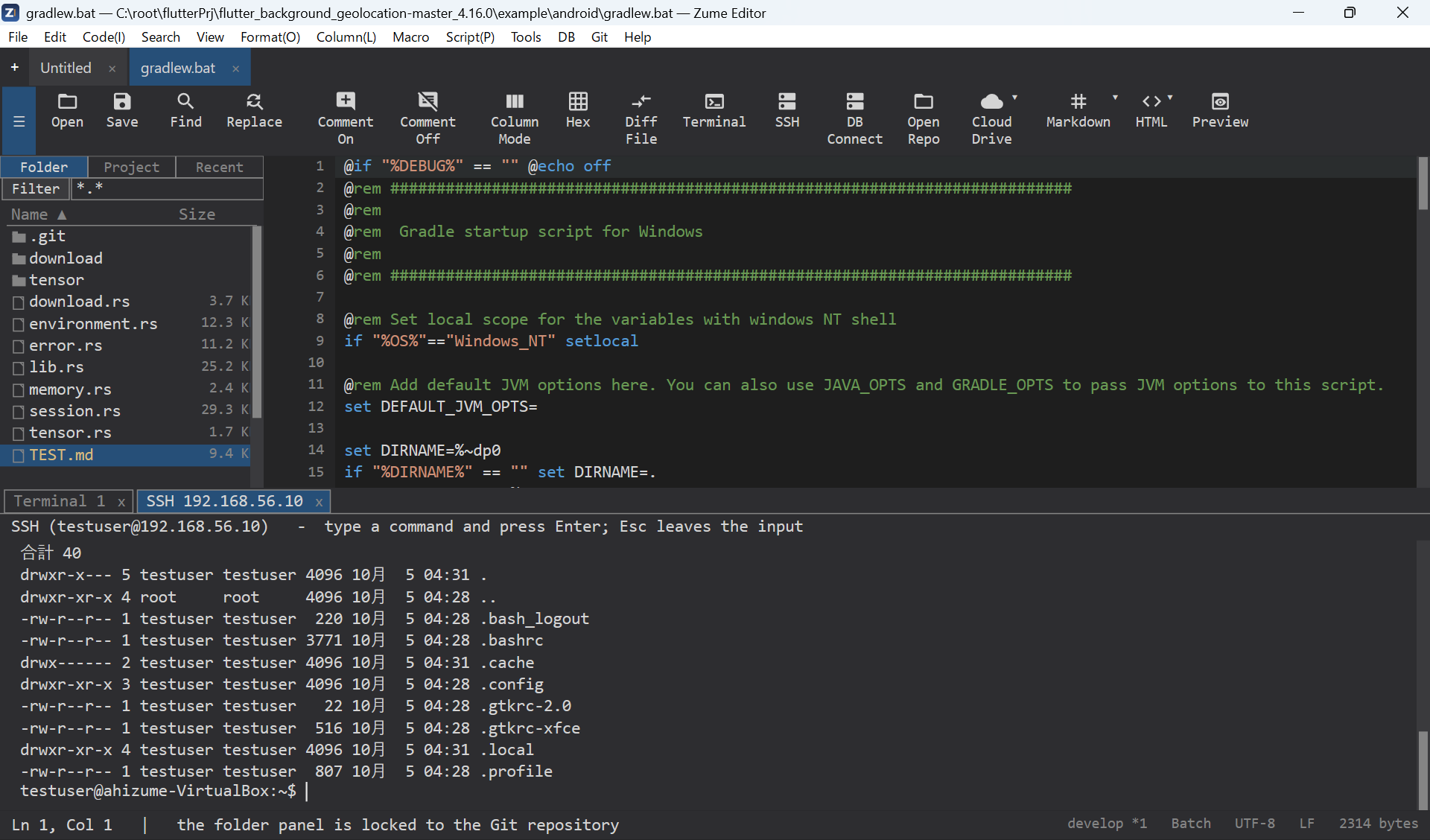
SSH shell
View → SSH Panel opens a shell on a remote host over SSH. It rides the same connection as the SFTP browser, or you can connect directly. Password and key authentication are supported (see Remote Files).
Note
This is an interactive shell panel, not a full terminal emulator.