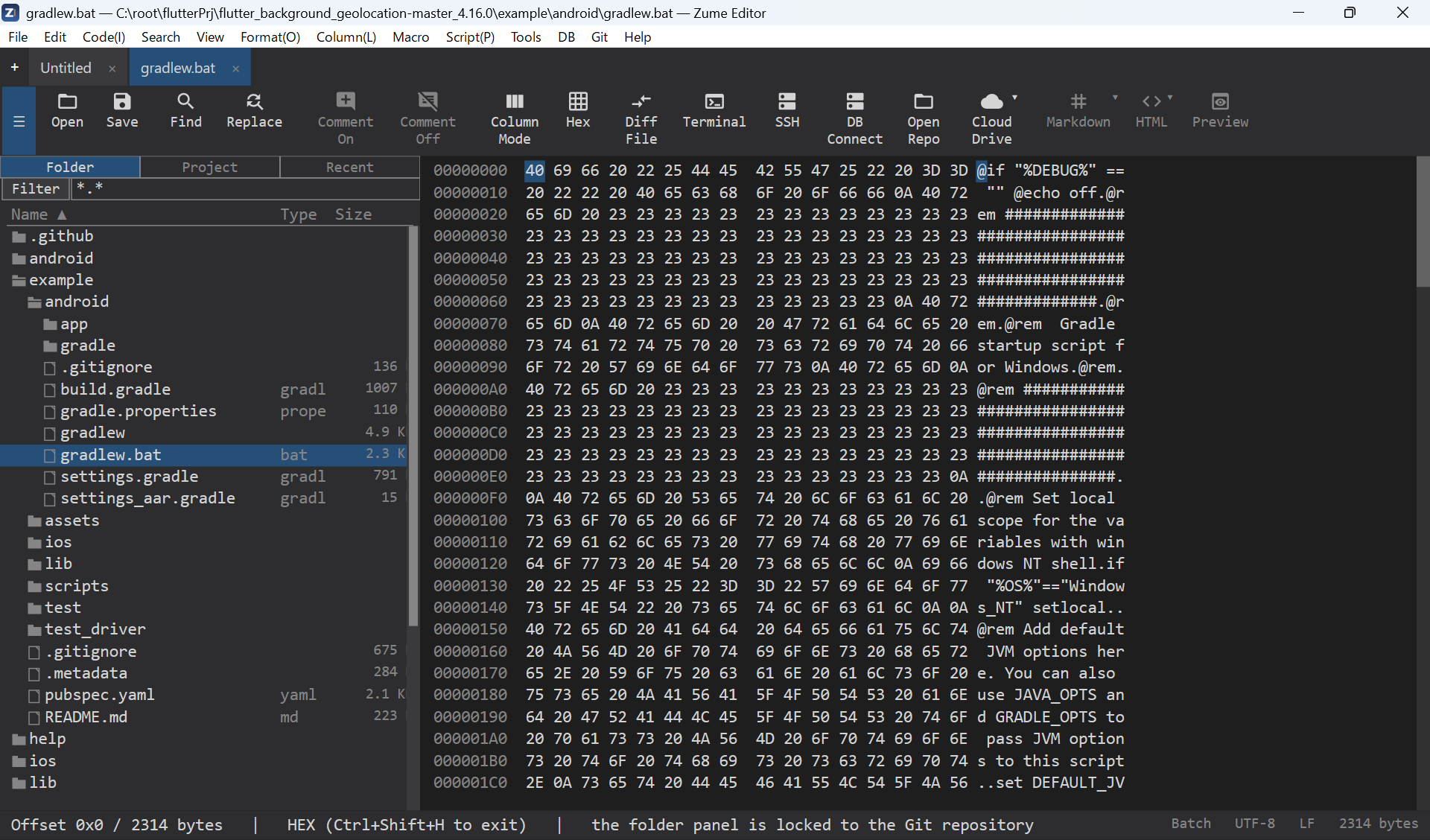
Hex / Binary Editor
Switch any tab to a hex view with Ctrl+Shift+H (or the command palette).
- Offset / hex / ASCII columns, with the caret highlighted in both the hex and ASCII columns.
- Select bytes (Shift+movement or drag), copy them as hex or raw, and
find / replace byte sequences (type
48 65or4865, or plain text). - Insert / overwrite bytes; edits share one undo history with the text view.
- Optional EBCDIC column, and a configurable bytes-per-row (8 / 16 / 32).
- Works on large files, and you can compare two files byte-by-byte.