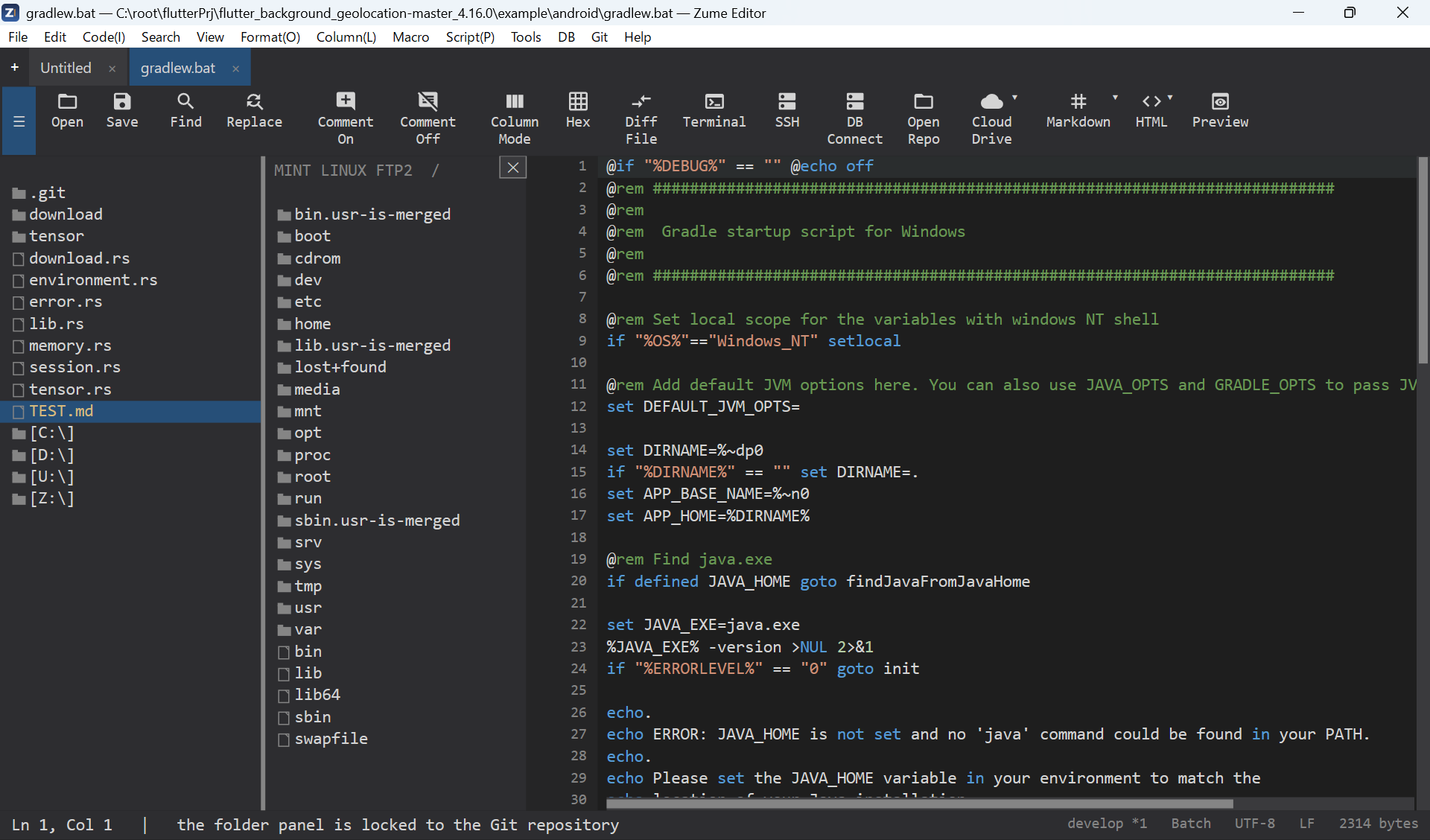
Remote Files (SFTP / FTP / FTPS)
Edit files directly on a remote server.
- Remote → Connect - choose the scheme (SFTP, FTP or FTPS) and enter host, port, user and password (or an SSH key for SFTP).
- The sidebar becomes a remote browser - click folders to navigate, click a file to open it in a tab.
-
Save (Ctrl+S) uploads the file back to the server.
-
Host-key trust - SFTP uses trust-on-first-use; you confirm an unknown key's fingerprint once. FTPS certificate problems ask before continuing.
- Saved connections - store connection profiles (never the password unless you choose to save it, and then only in your OS secure store).
- Several connections can be open at once, each as its own tab.
See also Terminal & SSH for an SSH shell, and CloudDrive for cloud storage.